Universal Document Viewer for .NET Backends
Display PDF, Office, CAD & images natively in your React, Angular, Vue, or .NET apps. A powerful backend library for .NET — no downloads required.
Fully functional for 30 days. Every format, every feature.
dotnet add package Doconut.NET8- file formats
- 70+
- file formats
- .NET builds, 4.7.2 to 8
- 4
- .NET builds, 4.7.2 to 8
- servers and containers
- Win + Linux
- servers and containers
What's New
Certified PDF signing on Linux, and every Doconut package at 26.10.1.

Doconut version 26.10.1 is a maintenance release for every build. Certified (digitally sealed) PDF signatures made with the Signer plugin now work on Linux servers, and the Doconut.NET8 and Doconut.NET6 packages no longer include a native library for a platform Doconut does not support.
Doconut.NET8, Doconut.NET6, Doconut.NETStandard and Doconut.NETFramework, with their Converter, Dicom and Signer plugins, are all published at 26.10.1. Update your core package and its plugins together; no code changes are needed.
Version 26.10.0 launched the Signer plugin for PDF and Word, and Linux x64 support for Doconut on .NET 8 and .NET 6.
Certified Signing on Linux: Certified PDF signatures no longer fail with a "Font Arial was not found" error on Linux servers. The seal's text uses a font installed on the server. Nothing changes on Windows.
Supported Platforms: Windows x64/x86 and glibc-based Linux x64. The Doconut.NET8 and Doconut.NET6 packages are each about 16 MB smaller, and their readme, the Linux guide and the native-library error message list these platforms.
Every Package at 26.10.1: Doconut.NET8, Doconut.NET6, Doconut.NETStandard and Doconut.NETFramework, with their Converter, Dicom and Signer plugins. Each plugin requires the core package of the same version.
Easy Upgrade: Update your Doconut core package and its plugins to 26.10.1 together. No code changes are needed.
Built on 26.10.0: The Signer plugin signs PDF and Word documents on every build, and Doconut for .NET 8 and .NET 6 opens every supported format on glibc-based Linux x64.
New in Doconut 26.10.0
Sign PDF and Word documents inside your .NET apps
The new Signer plugin places a visible signature on a document and, by default, seals it with a digital signature that a PDF reader can verify.
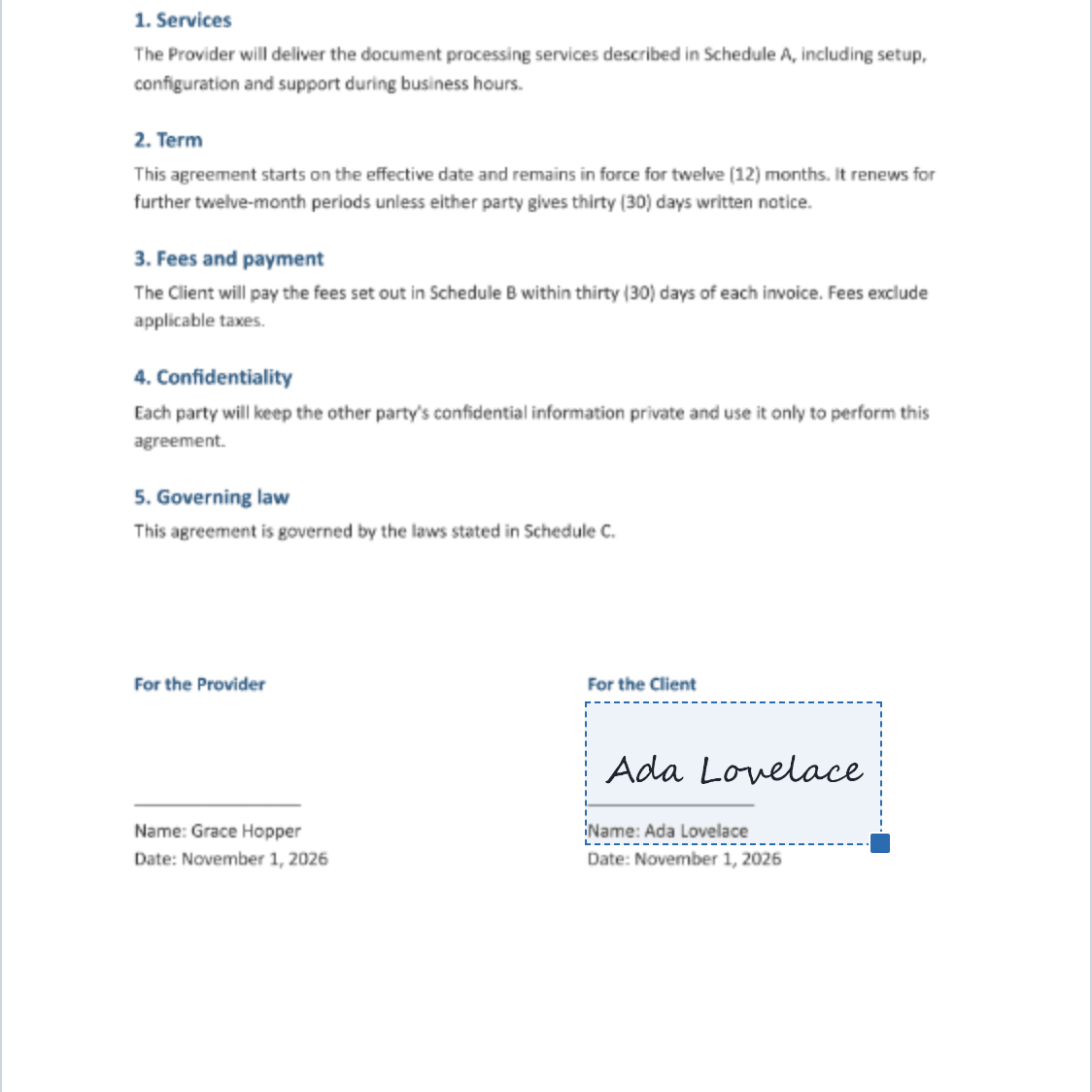
Signers draw, type or upload their signature and place it on the page.
Certified adds a SHA-256 PKCS#7 seal with your own PFX certificate; Visual adds the signature only.
Available for .NET 8, .NET 6, .NET Standard 2.1 and .NET Framework 4.7.2.
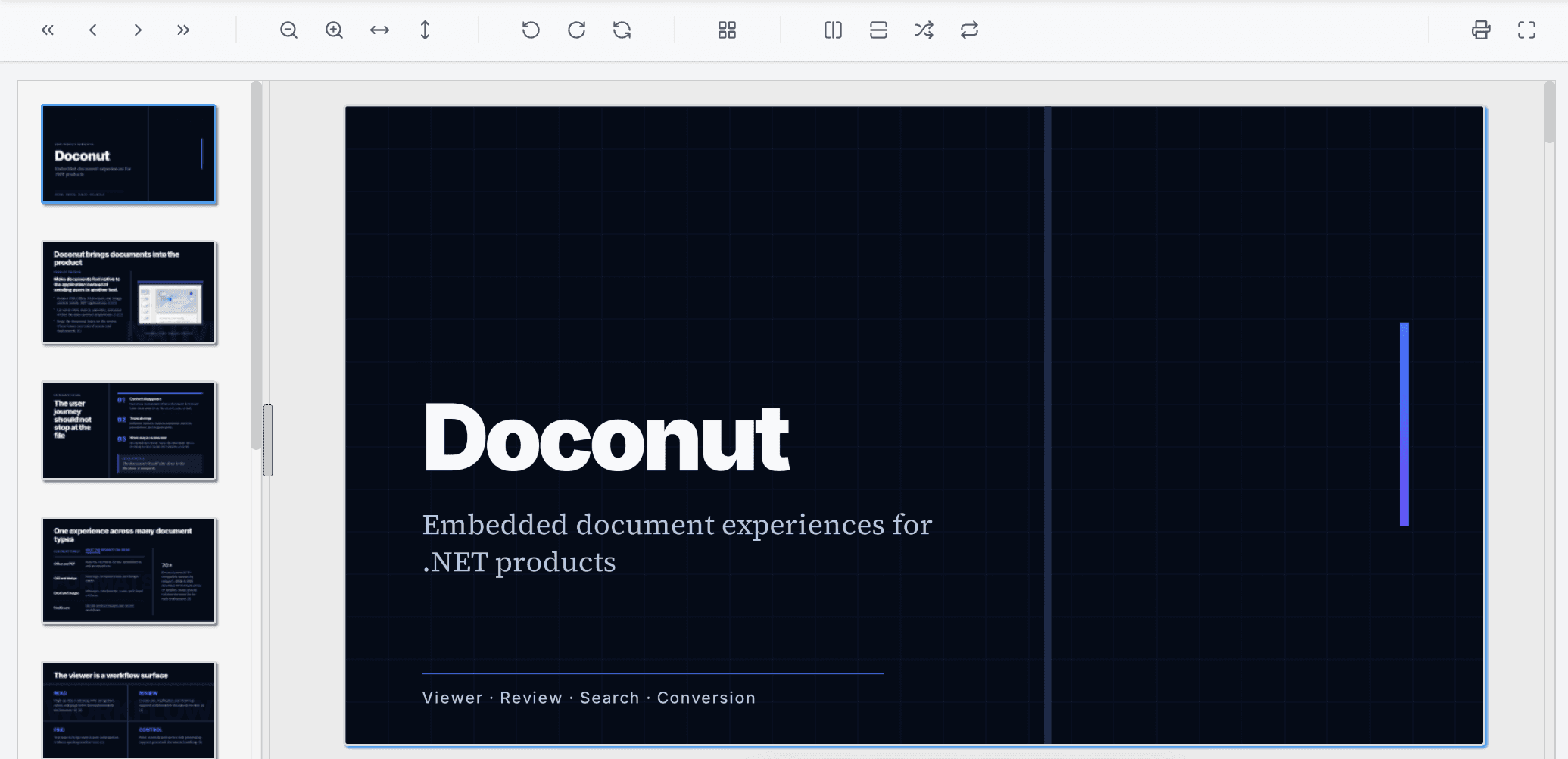
Native .NET document viewer SDKs for modern applications
Build document viewing into ASP.NET Core, MVC, Razor Pages, Blazor, minimal APIs, cloud services, and distributed enterprise systems with our native .NET 8 or updated .NET 6 SDK.
Current hosting model
Choose the runtime. Keep the integration model.
The current package for modern .NET deployments on Windows and Docker.
The updated .NET 6 package with the same current hosting architecture.
Distributed mode
Publish page artifacts to shared storage so any authorized node can serve the viewer.
- 70+
- extensions
- 18
- families
- 0
- sticky sessions
One viewer for the files your users already work with
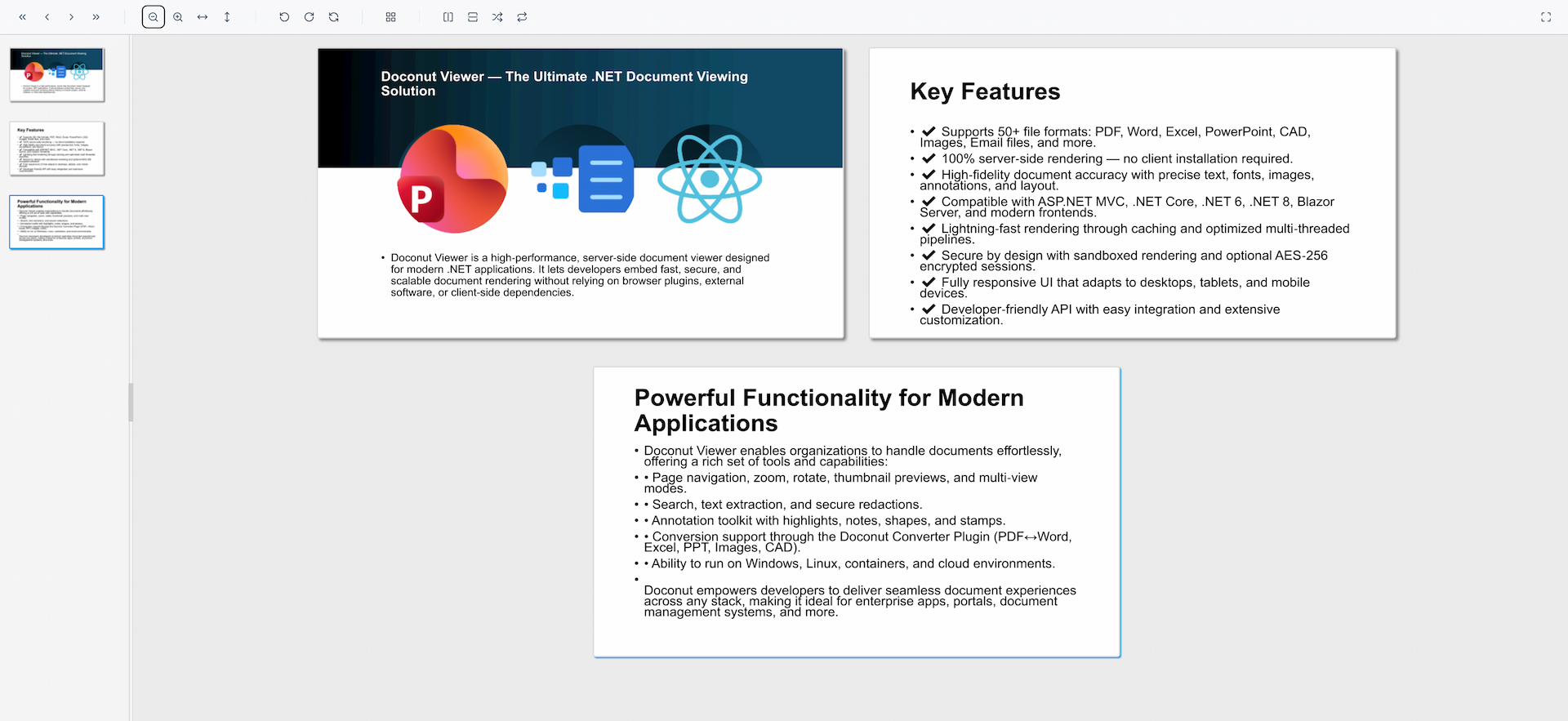
Render business documents, spreadsheets, presentations, PDF files, CAD drawings, emails, and images directly inside your .NET applications.
- More than 70 compatible file formats across Office, PDF, CAD, email, image, medical, and web workflows
- Built for browser-based viewing without desktop document software
- Verified against the shipping .NET 8 and .NET 6 format catalogs
Documents & PDF
Word processing and fixed-layout files
Spreadsheets
Tabular data and open spreadsheet formats
Presentations
Slides and deck-based content
CAD, Email & Images
Technical drawings, messages, and visuals
Trusted Across Industries & Applications
Doconut provides essential viewing capabilities for mission-critical .NET applications, including Document Management Systems, CRMs, Customer Portals, Legal Tech, E-Learning, HR & Recruitment, Healthcare Records, Engineering Drawings (CAD), Financial Reporting, and more.
- Document Management Systems (DMS)
- Customer Portals
- Legal Tech
- E-Learning Platforms
- HR & Recruitment
- Healthcare Records
- Engineering Drawings (CAD)
- Financial Reporting
🌍 Trusted by developers in 40+ countries
Elevate Your .NET Application with Professional Document Viewing
Document Viewer Library
A robust .NET document viewer supporting PDF, Office, and CAD formats with annotations, search, and printing built in.
PDF Viewer
Smooth and high-quality rendering for PDF files in ASP.NET and .NET Core apps with full search and interaction support.
Modify PDF Online
Annotate, highlight, and make PDFs searchable right inside your web app — no external tools required.
Built for Developers
Integrate with ASP.NET, MVC, Core or Blazor quickly and deploy on Windows, Docker, Azure or AWS with ease.
⚡ .NET Server-side Conversion
Convert documents directly inside your .NET apps
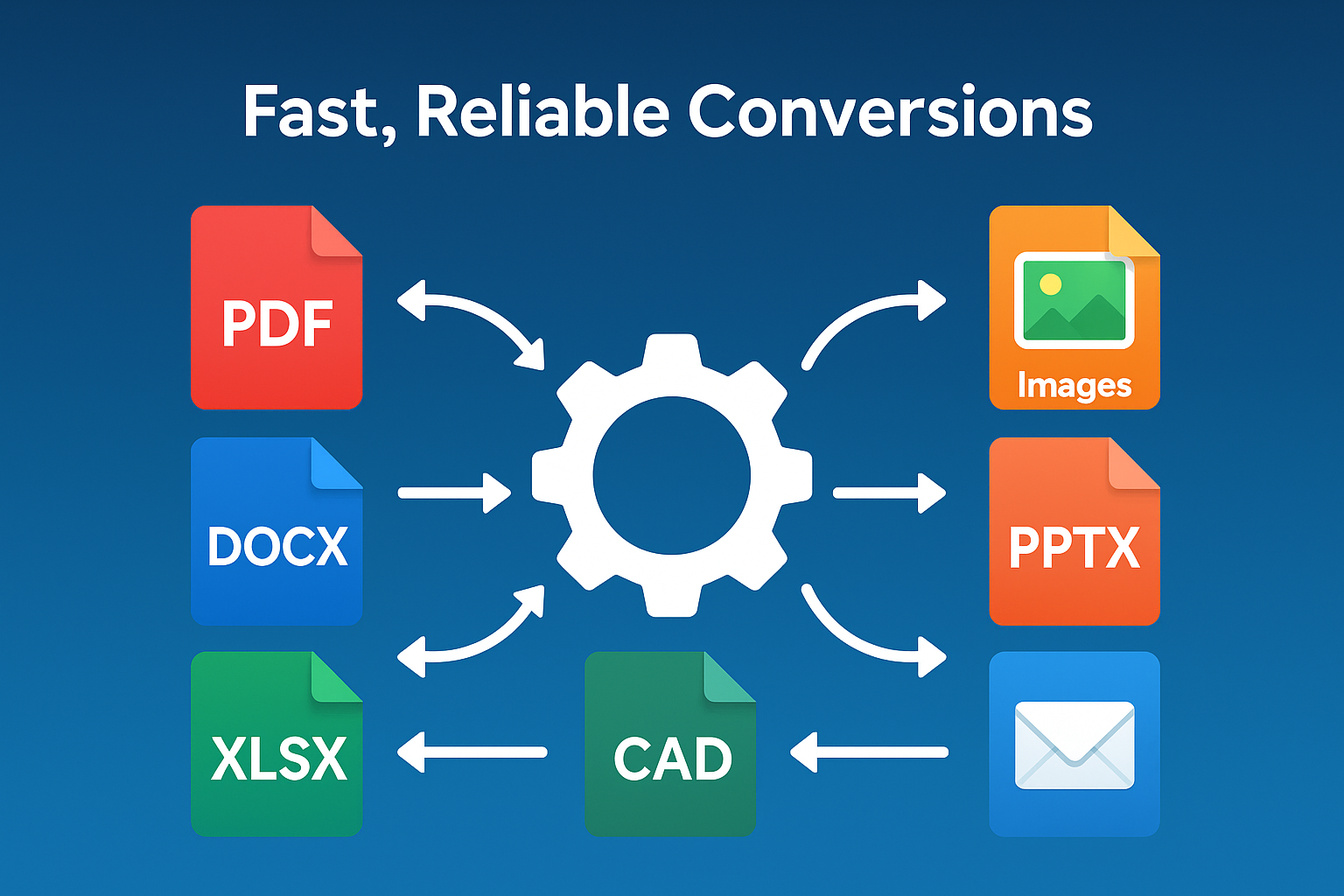
Process PDF, Word, Excel, PowerPoint, and images with precision and speed using Doconut's built-in Converter Plugin.
Convert PDF, Word, Excel, PowerPoint, CAD & images on the server — no Office installed, no external services.
Streamlined API designed for ASP.NET, .NET Core & Blazor apps.
Deliver consistent exports with predictable performance and simple deployment.
Empowering Teams Across the Globe
















What Our Customers Say
“Doconut allowed us to show many types of documents within the web application we developed for one of our larger customers. This has increased the user friendliness and efficiency of the tool considerably. We were very satisfied with the quick responses of the Doconut support.”
J. Meij
Sr. Manager, KPMG Advisory Netherlands
Go Beyond Viewing: Powerful Extensions
Converter Plugin
Convert PDF, Word, Excel, PowerPoint & images directly inside your .NET app.
Built for Enterprise
Controlled Printing
Manage print jobs directly from the viewer interface.
Secure & Scalable
Server-side processing keeps documents secure and scales effortlessly for enterprise workloads.
Frequently Asked Questions
Everything developers ask before integrating Doconut into a .NET app.
Add the Doconut NuGet package, register it with AddDoconut() and UseDoconut(), then open the PDF server-side with OpenDocumentAsync — the viewer widget streams the rendered pages straight to the browser, with no Office install or external software required.
Doconut renders exactly 75 file extensions across 18 families — including PDF, DOCX, PPTX, XLSX, DWG, DXF, Visio, MSG, EML, PNG, JPG and DICOM medical images. See the full list on the Supported Formats page.
Yes. You can pass the password to the Viewer API, and Doconut will decrypt and render the document securely on the server side.
Yes — annotation (comments, highlights and drawings) and full-text search across text-bearing documents are built into the viewer.
Deploy Doconut .NET 8 on Windows or with Docker, with no Office installation required.
Embed the viewer widget in any ASP.NET Core page — Razor Pages, MVC views or Blazor. Register Doconut with AddDoconut() and UseDoconut(), then initialise the JavaScript widget where you want the viewer to appear.