Speeding Up Discovery: High‑Performance PDF and TIFF Viewing for Modern Law Firms
Speeding Up Discovery: High-Performance Viewing for Modern Law Firms
In the legal world, "Discovery" is often synonymous with "Delay." Whether you're a litigator reviewing evidence or a paralegal managing a massive case file, the technical friction of opening 500MB TIFF scans or 5,000-page PDFs can grind your productivity to a halt.
Standard document viewers often struggle with these file sizes, causing lag, memory crashes, and frustration. Doconut solves this by providing a high‑performance, specialized engine designed specifically to handle the "heavy lifting" of legal documentation directly in your web browser.
The TIFF & PDF Challenge in Modern Law
Legal evidence often comes in two forms: modern, searchable PDFs and legacy, multi‑page TIFF scans. Both present unique challenges for traditional web applications:
- PDF Latency: Loading a 1,000-page PDF usually requires downloading the entire file to the client, leading to long wait times.
- TIFF Invisibility: Scanned TIFFs are just "pictures of text." Without OCR, you can't search them for key terms like dates, names, or contract clauses.
- Security Risks: Downloading files to local "temp" folders for viewing creates a data trail that can be a liability for sensitive client information.
How Doconut Accelerates Legal Workflows
1. Instant-On Streaming & Lazy Loading
Doconut’s streaming engine doesn't wait for the whole document to download. It fetches and renders only the pages you are currently viewing. This means a 10,000-page court filing opens in milliseconds, not minutes. You can jump to page 5,432 instantly without any UI "stutter."
2. Integrated OCR for Scanned Evidence
Don't just look at a TIFF scan—interact with it. Doconut features built‑in, high‑accuracy OCR that can process scanned PDF and TIFF files on the fly. This turns static images into searchable, selectable text, allowing legal teams to find "the smoking gun" in seconds across thousands of pages of scanned evidence.
3. Zero-Footprint Security
In the legal industry, data privacy is paramount. Doconut’s viewer is "zero-footprint," meaning the document remains on your secure server. The viewer only streams the visual representation to the browser. No local copies are ever stored on the lawyer's laptop, ensuring that client secrets stay behind your firewall.
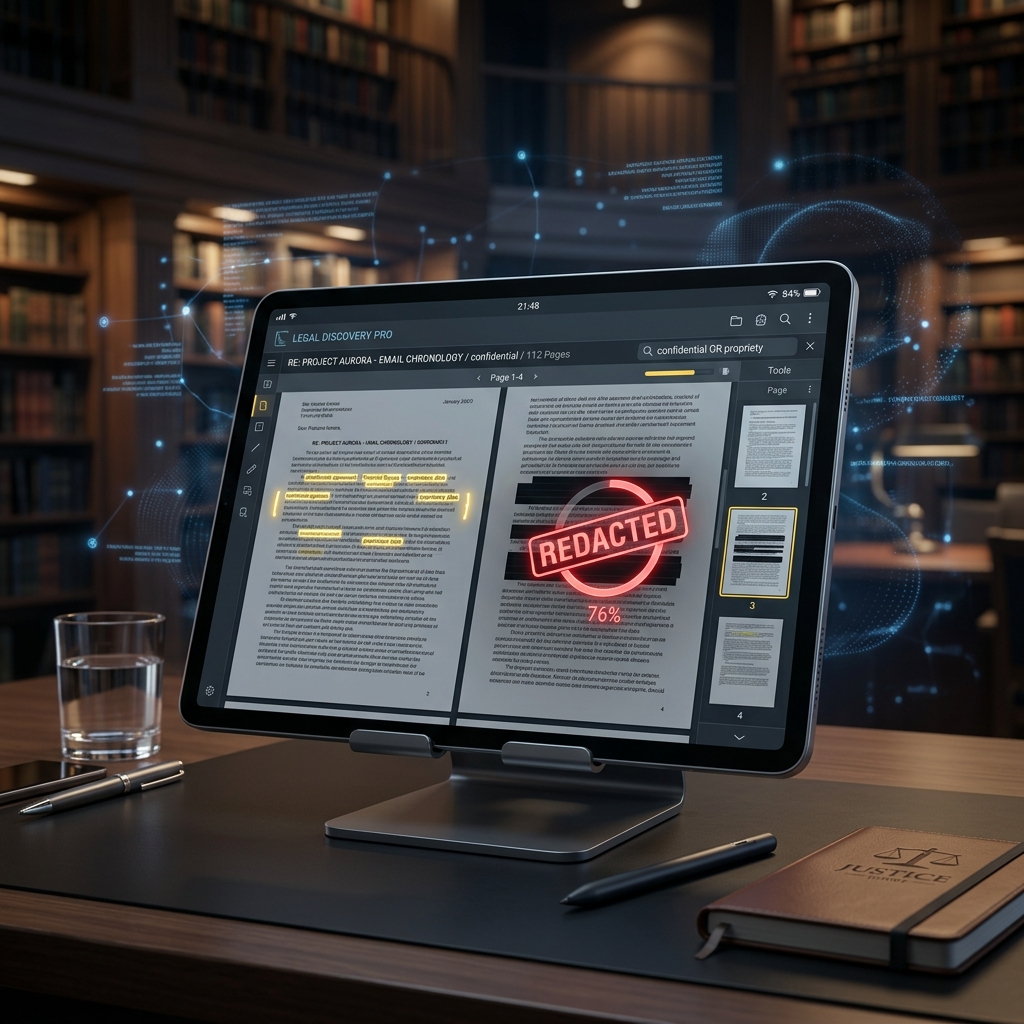
4. Professional Annotation & Redaction
Legal review is a collaborative process. Doconut provides a suite of professional tools:
- Redaction: Permanently mask sensitive PI before exporting for the court.
- Highlights & Notes: Mark critical clauses for case preparation.
- Stamps: Apply "Privileged," "Confidential," or "Exhibit" digital stamps instantly.
Strategic Advantage for Legal Tech Providers
For developers building Case Management Systems (CMS) or E-Discovery platforms, Doconut offers a "single pane of glass." Whether the file is a CAD drawing, an Excel spreadsheet, or a 300-page TIFF, the user experience remains consistent, fast, and secure.
- Unified API: Integrate one SDK to handle 100+ file formats.
- Scalable Performance: Optimized to run in high-concurrency environments like multi-tenant legal SaaS platforms.
- Customizable UI: Tailor the viewer skin to match your firm's professional branding.
Conclusion: Focus on the Law, Not the Load Time
Technology should be an enabler, not a bottleneck. By upgrading to a high‑performance viewer like Doconut, law firms can eliminate the "discovery lag," protect client data more effectively, and allow their teams to focus on what they do best: practicing law.
Ready to see how fast your massive TIFFs can open?
Explore the Doconut Demo and experience the future of legal document review.